During these two weeks, I was away from my VR hardware, so I focused on improving the visual side of my project. My main goal was to make the game world feel more immersive and visually interesting by adding a variety of environment assets and props. Here’s what I accomplished:
Asset Integration
I explored the Unity Asset Store and incorporated several high-quality, free and low-poly asset packs to build out my dungeon environment:
- Animated Old Chest
A detailed, animated chest model for loot and enemy traps.
Unity Asset Store, ID: 20179 - N-GonForge Dungeon (Low Poly)
A modular dungeon environment pack with walls, floors, props, and lighting elements for creating atmospheric dungeon scenes.
Unity Asset Store, ID: 303819 - Low Poly Dungeons Lite
A collection of modular dungeon pieces and props, perfect for expanding and customizing the environment.
Unity Asset Store, ID: 177937
Environment Building Process
Each day, I added new assets and iteratively built up the scene. My process included:
- Importing Assets:
Downloaded and imported each pack into my Unity project, organizing folders for easy access. - Scene Layout:
Started with basic dungeon walls and floors, then layered in props like barrels, crates, and torches from the environment packs. - Progressive Detailing:
With each session, I added more decorative and interactive elements—such as animated chests (used both as loot and as enemy traps), banners, and small clutter to make the dungeon feel lived-in. - Lighting & Atmosphere:
Experimented with different lighting setups from the packs to make the dungeon look moody and mysterious.
Screenshots & Visual Progress
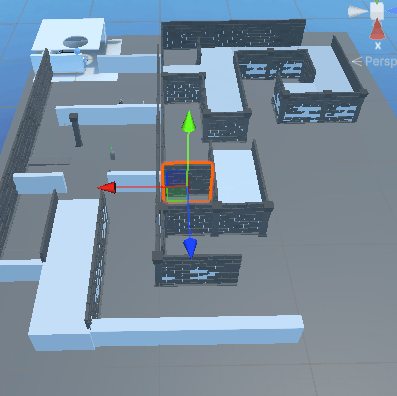
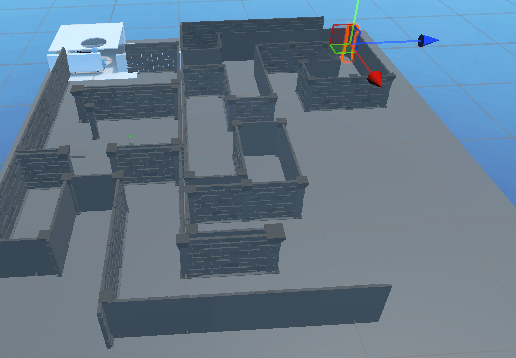
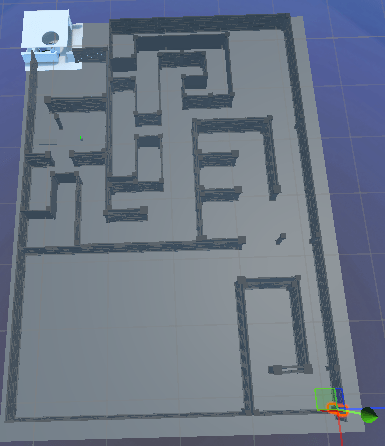
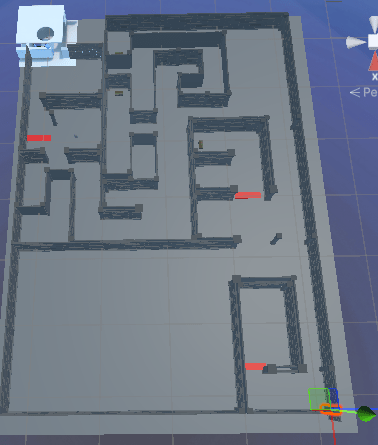
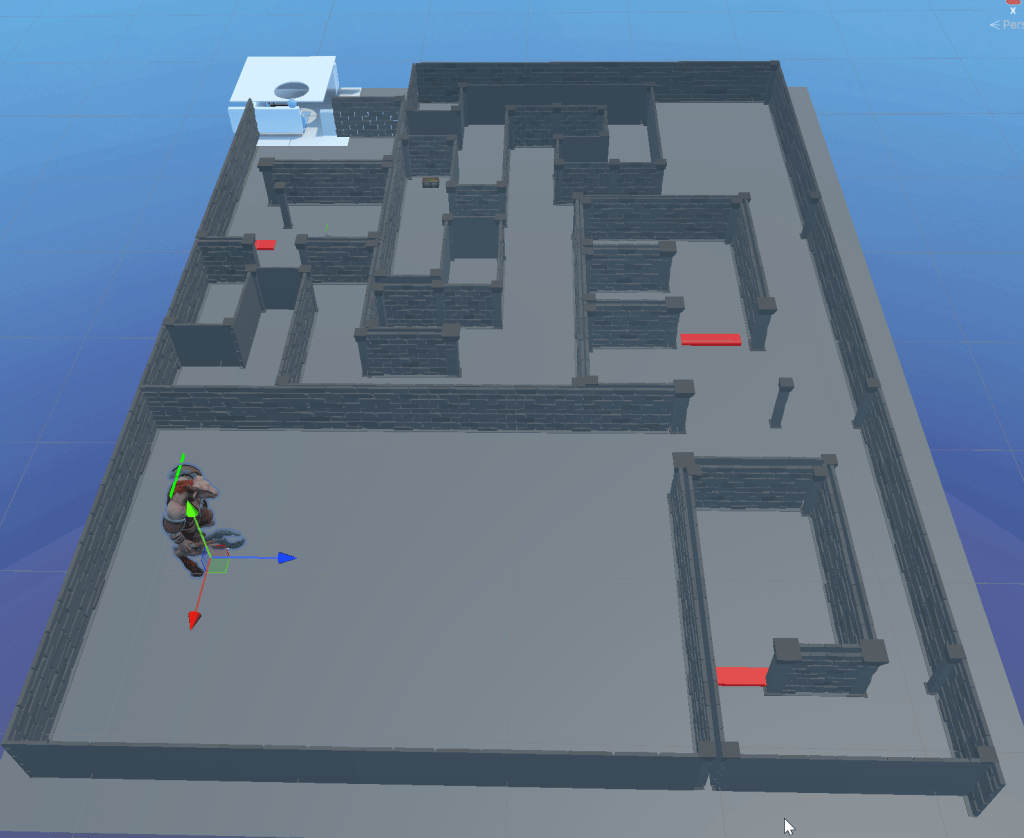
Throughout these weeks, I took regular screenshots to document my progress. Each screenshot captures a new stage:
- Early Screenshots:
Replacement of placeholder assets and finishing basic layout of dungeon layout - Mid-Progress Screenshots:
Show the basic dungeon layout with minimal props, focusing on structure and navigation. - Final Screenshots:
Display enemy chests placed in the scene as both hazards and rewards, along with a variety of small assets that make the environment feel complete.
Reflections
- Working Without VR:
Not having access to my headset meant I couldn’t playtest interactions, but it gave me time to polish the look and layout of the game world. - Asset Management:
Using modular, low-poly assets made it easy to experiment and iterate quickly. - Next Steps:
Once I’m back with my VR hardware, I plan to test how the new visuals feel in VR and make adjustments for performance and immersion.
Asset References
- Animated Old Chest (Unity Asset Store, ID: 20179)
- N-GonForge Dungeon Low Poly (Unity Asset Store, ID: 303819)
- Low Poly Dungeons Lite (Unity Asset Store, ID: 177937)
: https://assetstore.unity.com/packages/3d/environments/dungeons/n-gonforge-dungeon-low-poly-303819
: https://assetstore.unity.com/packages/3d/environments/dungeons/low-poly-dungeons-lite-177937
:https://assetstore.unity.com/packages/3d/props/animated-old-chest-20179
 Viktor Yankulchovski`s Blog